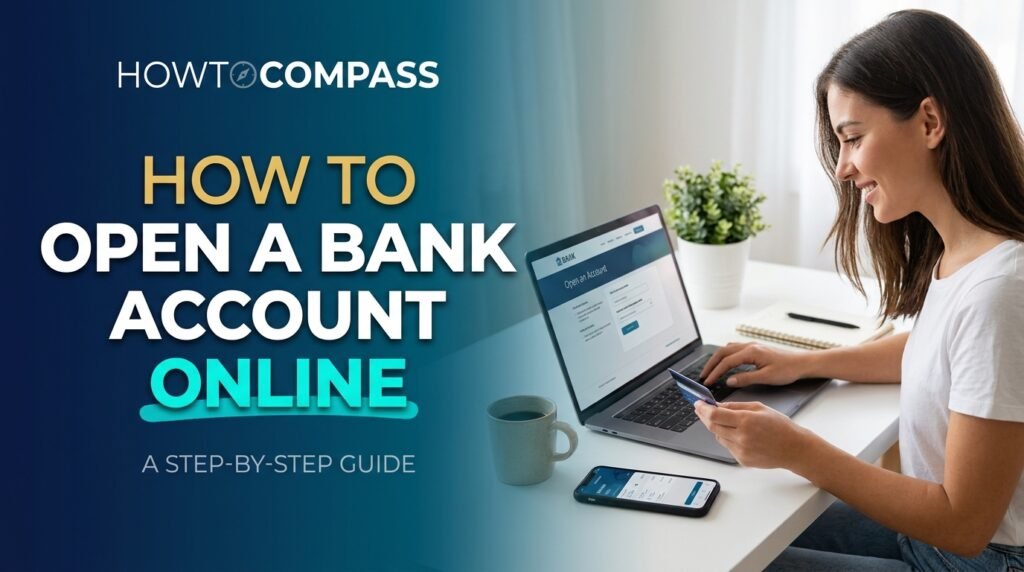
Waiting in a long bank queue with a folder of paperwork, only to hear “come back tomorrow,” is exhausting. Thankfully, those days are over. Knowing how to open a bank account online takes about fifteen minutes, costs nothing, and lets you start managing your money from your phone tonight. In this guide, you will learn exactly how to open a bank account online, which documents to prepare, which mistakes quietly cost people money, and how to stay safe from scammers along the way. Ready? Let’s make your money work for you.
Why Learning How to Open a Bank Account Online Is Worth Your Time
Banking has changed fast. Both digital-first banks and traditional banks now let you apply from any device, and for many people the online route is simply better. Here is why:
- Speed: Most applications take ten to twenty minutes, and some banks approve you instantly.
- Lower fees: Online banks run fewer branches, so they often charge lower fees and pay higher interest on savings.
- Convenience: Apply at midnight, on your lunch break, or from your sofa. No appointments, no queues.
- Better tools: Budgeting dashboards, instant spending alerts, and mobile deposits usually come standard.
Once you understand how to open a bank account online, you also gain control. You can compare several banks in a single evening instead of visiting each branch one by one. That comparison alone can save you hundreds each year in fees and missed interest. If your goal is to build a financial cushion, pair your new account with our guide on how to save money on a small income.
What You Need Before You Start

Preparation is what separates a smooth application from a frustrating one. Gather these items before you open the bank’s website:
- A valid government-issued ID: a passport, driver’s license, or national ID card.
- Proof of address: a recent utility bill, lease agreement, or official letter, usually dated within the last three months.
- Your tax or national identification number: many banks are legally required to collect it.
- A working phone number and email address: you will receive verification codes here.
- A funding source: another bank account or debit card for your first deposit.
- A smartphone or computer with a camera: many banks ask for a selfie to confirm it is really you.
Keep in mind that requirements vary by country and by bank. Before you follow any guide on how to open a bank account online, check the bank’s help page for its exact list. Having every document scanned or photographed in advance, with clear, well-lit images, prevents most rejections.
Step-by-Step: How to Open a Bank Account Online
Now for the part you came for. Follow these five steps in order, and you will be done before your coffee gets cold.
Step 1: Decide Which Account You Actually Need
Different accounts do different jobs. A checking account handles everyday spending, bills, and your salary. A savings account holds money you do not want to touch, and it pays interest. A joint account lets two people share finances, which is handy for couples or families. If you are unsure, start with a checking account and add savings later. Many banks let you open both in a single application.
Step 2: Compare Banks and Confirm They Are Legitimate
Do not pick the first bank you see in an advert. Compare monthly maintenance fees, minimum balance rules, interest rates, ATM access, app quality, and customer support options. Read recent reviews from real customers, especially about how the bank handles problems.
Then confirm the bank is real and your money is protected. In the United States, for example, you can verify deposit insurance through the FDIC’s official website. In other countries, check your national banking regulator’s register of licensed institutions. A bank that cannot prove it is licensed is not a bank you should trust with your savings.
Step 3: Start the Application
Type the bank’s web address directly into your browser, or download its official app from your phone’s store. Click “Open an account,” choose your account type, and fill in your personal details: full name, date of birth, home address, contact information, and tax number. Read the terms and fee schedule before you accept them. This is where how to open a bank account online turns out to be surprisingly simple. It is really just a long form with a few smart checks attached.
Step 4: Verify Your Identity
Banks must confirm you are who you say you are. You will usually upload a photo of your ID and take a quick selfie. Some banks also use a short video call or ask security questions. Approval can take a few minutes, though some banks need a few business days. Make sure the name and address you typed match your documents exactly, because even small differences can trigger a delay.
Step 5: Fund the Account and Secure It
Once approved, make your first deposit through a bank transfer, a debit card, or a mobile check deposit. Then lock things down right away:
- Create a strong, unique password you use nowhere else.
- Turn on two-factor authentication.
- Enable transaction alerts so you notice anything suspicious immediately.
- Order your debit card and set a PIN you do not share.
Congratulations. You now know how to open a bank account online from start to finish, and you have a live account to prove it.
Common Mistakes to Avoid
Even simple processes have traps. Watch out for these frequent errors:
- Ignoring the fee schedule. Monthly fees, overdraft charges, and out-of-network ATM costs add up quietly.
- Choosing a bank for the sign-up bonus alone. A flashy bonus means little if the account charges fees for years afterward.
- Using public Wi-Fi. Open networks are easy for criminals to snoop on. Apply from a private, trusted connection.
- Entering mismatched details. Your application must match your ID, down to the spelling of your name.
- Skipping the fine print. Know the withdrawal limits, interest terms, and what happens if your balance drops too low.
Once your account is active, the next smart move is a plan for your money. Our walkthrough on how to create a monthly budget shows you how to give every dollar a job.
Staying Safe: How to Open a Bank Account Online Securely
Convenience attracts scammers, so a little caution goes a long way. Fake bank websites, phishing emails, and social media “account managers” all target people who are new to digital banking. Protect yourself with these habits:
- Always type the bank’s web address yourself. Never click links in unexpected emails or messages.
- Check for the padlock symbol and “https” at the start of the address before entering any personal details.
- Never share one-time passcodes, your PIN, or your full password with anyone. A real bank will never ask for them.
- Be suspicious of anyone who pressures you to act fast or offers a “special” account through a private message.
If you ever suspect your identity has been stolen, act quickly. The U.S. Federal Trade Commission’s IdentityTheft.gov offers a clear recovery plan, and the Consumer Financial Protection Bureau publishes trustworthy guidance on banking rights and complaints. Following these safety habits makes how to open a bank account online not just easy, but secure.
Final Thoughts on How to Open a Bank Account Online
Opening a bank account no longer means taking a day off work. With your documents ready, a bit of comparison shopping, and basic security habits, you can finish the whole process in under half an hour. Remember the five steps: choose the right account, compare and verify the bank, complete the application, confirm your identity, then fund and secure your account.
The best time to learn how to open a bank account online is before you urgently need one. Pick your bank, gather your documents, and take the first step today. Your future self, with organized finances and growing savings, will thank you. Have a question or a bank experience to share? Drop a comment below and help other readers get started with confidence.